<aside> <img src="/icons/list-indent_lightgray.svg" alt="/icons/list-indent_lightgray.svg" width="40px" /> Click on a link below to skip down to that spot in this checklist.
</aside>
<aside> <img src="/icons/info-alternate_blue.svg" alt="/icons/info-alternate_blue.svg" width="40px" /> These steps are very similar for both Blog & Event types of collections page entries.
</aside>
<aside> <img src="/icons/info-alternate_blue.svg" alt="/icons/info-alternate_blue.svg" width="40px" /> Double click on any image to see larger.
</aside>
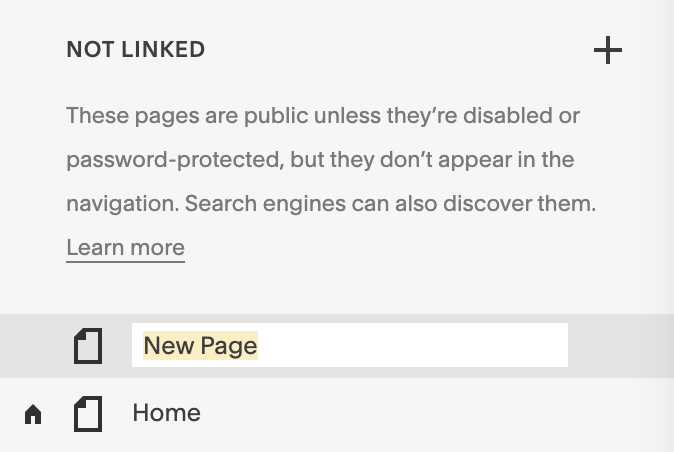
[ ] Create new page
[ ] Name the page: this is the "Navigation Title"

Edit Mode any time.